
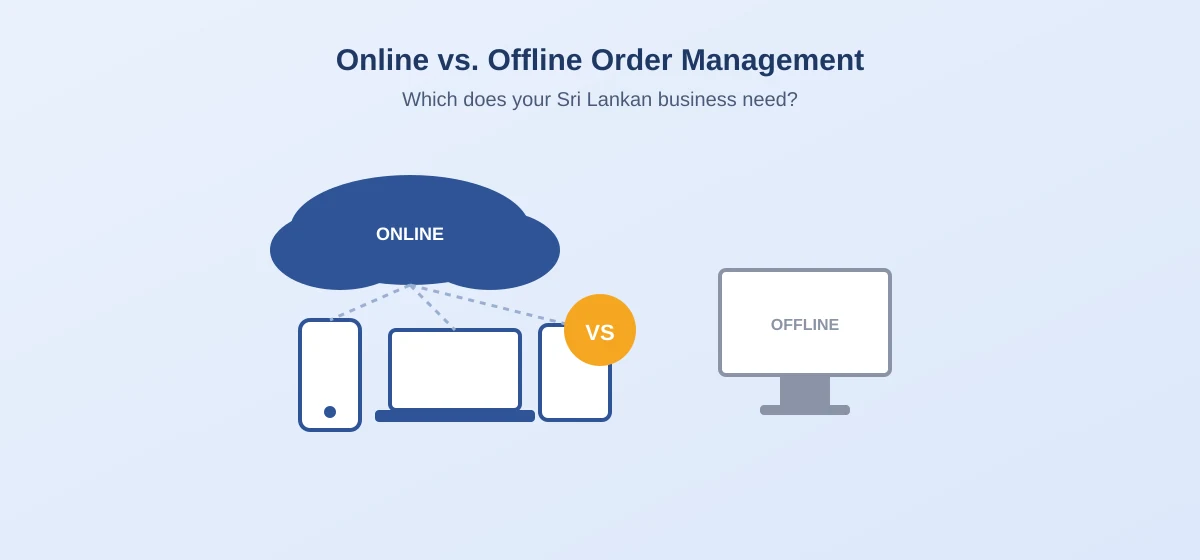
When Sri Lankan sellers search for an "online order management system," they're usually asking one of two things: either what a web-based OMS actually is, or looking for software they can access from anywhere, not just one computer at their shop or warehouse.
This guide covers both, and explains why the "online" part matters more than most sellers initially realize.
What "Online" Actually Means for an Order Management System
An online (or cloud-based) order management system runs on the provider's servers and is accessed through a web browser or mobile app, rather than being installed as a program on one specific computer. In practice, this means:
- You can check orders from your phone, a laptop, or any device with internet access, not just the one PC it was installed on
- Your staff can access the same live order data at the same time, whether they're at a warehouse, a shop counter, or working from home
- Updates and new features roll out automatically, without needing to install anything manually
- Your data is backed up on the provider's servers rather than living only on one local machine that could fail
This is different from older, desktop-installed inventory or billing software that many small Sri Lankan businesses still use, which only works on the computer it was installed on and has no live access from anywhere else.
Why This Matters More Than It Seems
Multiple people need the same live information. If you have someone packing orders and someone else handling customer messages, both need to see the same up-to-date order status. Desktop software tied to one computer makes this nearly impossible without constant back-and-forth.
You're not always at your desk. Many Sri Lankan sellers run their business partly from a phone: checking orders while out, confirming COD collections on the move, or managing things after hours from home. An online system makes this normal instead of a workaround.
Scaling doesn't mean re-buying software. With desktop software, growing to a second location or hiring remote staff often means buying and installing new licenses. An online system just means adding another login.
What to Check Before Choosing an "Online" OMS
Not all systems that call themselves "online" offer the same experience. Before committing, check:
- Does it work well on mobile, or is it a desktop-style interface that's awkward on a phone screen?
- Is there an offline mode for moments with poor internet connectivity, common in some parts of Sri Lanka, with sync-back once you're online again?
- Where is your data actually stored, and does the provider have a clear policy on backups and data security?
- Can multiple staff accounts access the system with different permission levels (e.g. a packer who can't see financial reports)?
Online (Cloud-Based) vs. Offline (Desktop) OMS
A side-by-side look at what changes between online and offline order management.
| Feature | Online (Cloud-Based) | Offline (Desktop) |
|---|---|---|
| Access | Any device, anywhere with internet | Only the installed computer |
| Multi-user | Multiple staff, same live data | Difficult or impossible |
| Updates | Automatic | Manual reinstall often needed |
| Data backup | Handled by provider | Your responsibility |
| Scaling to new locations | Just add a login | New installation needed |
How Storemate Works as an Online System
Storemate is built as a fully online order management system for Sri Lankan sellers: accessible from a phone or computer, with real-time order data shared across your team, whether someone is dispatching orders from a warehouse or confirming COD payments from home.
Frequently Asked Questions
Is an online order management system safe to use for customer data?
Reputable providers store data securely on their servers with regular backups, which is generally safer than data living only on one local computer with no backup at all. It's worth confirming a provider's data policy before committing.
Does an online OMS need constant internet access to work?
Some systems offer limited offline functionality that syncs once you're back online, but most core features require an internet connection since data lives on the provider's servers.
Can I use an online order management system from my phone only, without a computer?
Yes. Most modern online OMS platforms, including Storemate, are built to work fully on mobile, not just as a secondary option to a desktop version.
What happens to my data if I stop paying for an online OMS?
This varies by provider. Always check whether you can export your order and customer data before relying heavily on any cloud-based tool.
Conclusion
"Online" isn't just a technical detail. It's what allows an order management system to actually match how Sri Lankan sellers run their businesses today: across devices, across staff, and often outside a fixed shop or office.
When evaluating any OMS, checking how well it performs as a genuinely online, multi-device system is just as important as checking its order or COD features.