
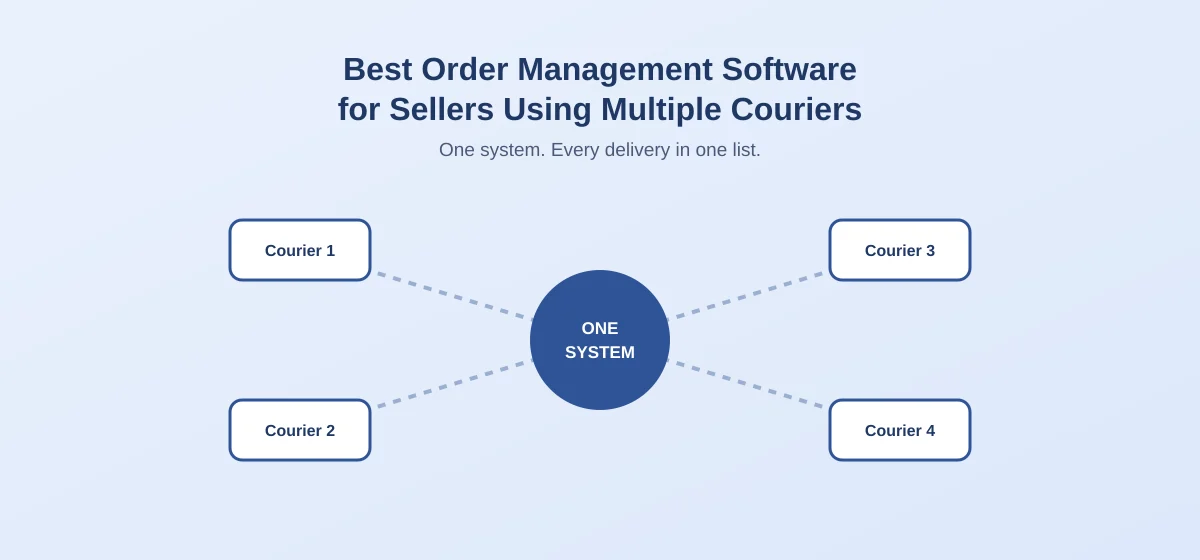
Most growing sellers in Sri Lanka don't stay with one courier for long. One courier is cheaper for Colombo, another covers outstation areas better, and a third handles bulky parcels. Each one has its own portal, its own waybill format and its own way of reporting deliveries.
Managing all of that by hand is where time and money quietly disappear. This guide explains what the best order management software should do for sellers using multiple couriers, and how to pick one.
The Problems of Using Several Couriers by Hand
- Re-typing the same order into a different portal for each courier
- Checking several tracking pages to answer one customer's "where is my order?"
- No single view of which orders are with which courier, and which are delayed
- Mismatched payments, because COD money comes back from each courier on a different schedule
- No way to compare couriers, so you can't tell which one actually delivers best
Before: separate portals
After: one system
What the Best Order Management Software Should Do
1Let you book with any of your couriers from one place
You should be able to choose a courier per order without leaving the system or re-entering customer details.
2Show every delivery status in one list
Instead of checking several portals, you see which orders are pending, out for delivery, delivered or returned, across all couriers.
3Keep payment status clear for COD
For each order you should see whether the payment is collected, outstanding or lost to a return, no matter which courier handled it.
4Track returns and rejections by courier
If one courier has a much higher return rate in a particular area, you need to see that to act on it.
5Support the couriers you actually use
A long list of supported couriers means nothing if yours isn't on it. Check this first.
6Give your team one shared view
Whoever packs, dispatches or answers customers should see the same live order status.
Questions to Ask Before You Choose
- Which couriers are supported, and is that a live integration or manual entry?
- Can I assign a different courier to each order?
- Can I see COD payment status per order and per courier?
- Can I see return rates by courier or area?
- What happens when I add a new courier later?
How Storemate Helps
Storemate is built for online sellers in Sri Lanka to manage orders and sync couriers in one place, so you aren't switching between courier portals to dispatch and follow up each order. It integrates with five major Sri Lankan couriers: Domex, Royal Express, Koombiyo, TransExpress and FDE. A seller who splits deliveries between them can work from one system instead of five portals.
Integrated with all major Sri Lankan courier networks





Frequently Asked Questions
Is it worth using more than one courier?
Often yes. Different couriers perform better in different areas and for different parcel sizes. The catch is the extra admin, which order management software is meant to remove.
Do I need software if I only use one courier?
Not as urgently. The benefit grows with each courier you add, though COD tracking and order status are useful even with one.
Can order management software compare courier performance?
Systems with reporting can show delivery success and return rates by courier, which helps you decide where to send which orders. Check this in a demo, because not every system includes it.
How do I know if a courier is properly supported?
Ask whether orders and statuses flow automatically, or whether you still enter details by hand. Test it with a real order.
Conclusion
If you ship with more than one courier, the best order management software is the one that supports your couriers, shows every delivery in one list and keeps COD payments clear.
Test it with real orders from your own couriers before committing, and choose the one that removes the most manual work.